Meme GIF generator

How to make a meme GIF
- Pick one of the GIFs or upload, drop or paste your own GIF or image.
- Type the top and bottom text. The font shrinks to fit the width automatically.
- Switch to black text for light backgrounds; keep capitals for the classic meme look.
- Download the GIF and post it anywhere GIFs play: chats, Slack, Discord, social posts.
Text to GIF: writing captions that land
Short beats long: two to five words per line read at a glance before the loop restarts. Put the setup on top and the punchline at the bottom. If the GIF already has a clear reaction, a single bottom line is often enough.
Make your own reaction GIFs with AI
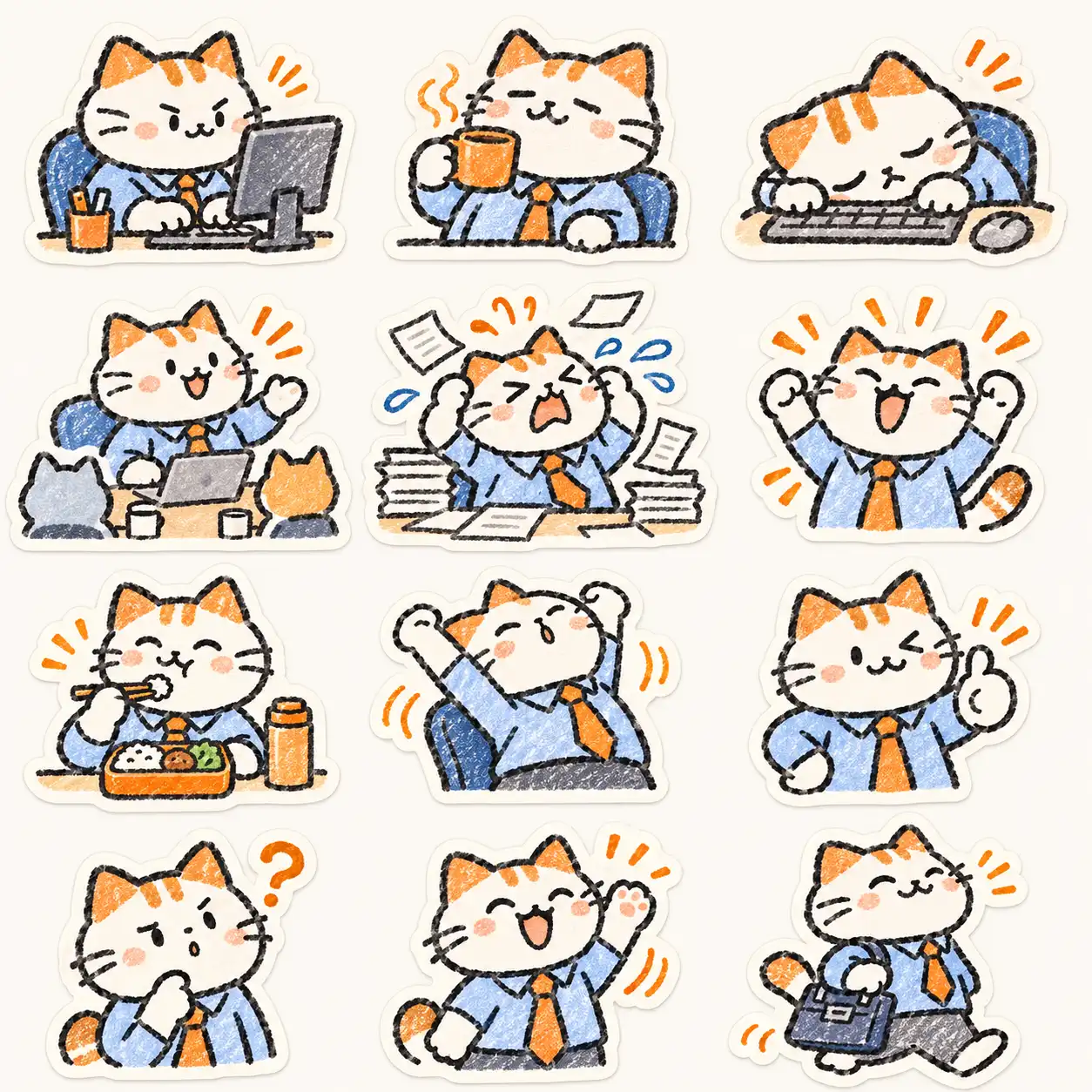
Every GIF here was generated with GPT Image 2.6, so you can use them without worrying about someone else's rights. Want your own character, pet or product reacting? Generate a looping sticker GIF with the AI GIF generator, then caption it here.
Questions
Is this meme GIF generator free?
Yes, with no watermark and no sign-up. Captions are drawn in your browser, so your GIF is never uploaded.
Can I add text to an existing GIF?
Yes. Upload or drop any GIF; the caption is added to every frame and the animation and timing are kept.
Can I turn a still image into a GIF meme?
Uploading a PNG or JPG gives a captioned one-frame GIF. To make the image move, generate a looping GIF from it first with the AI GIF generator.
Can I use famous meme templates?
Only if you have the rights. Most classic meme images are copyrighted photos or film stills, so this page ships only GIFs we generated ourselves; your uploads are your responsibility.
Why is my GIF smaller than the original?
GIFs are resized to at most 480 px on the long side to keep files light enough for chats and social posts.