AI GIF generator for ChatGPT
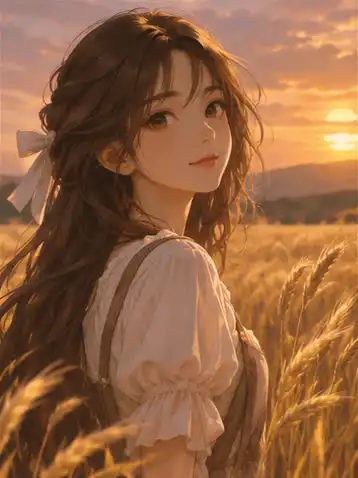
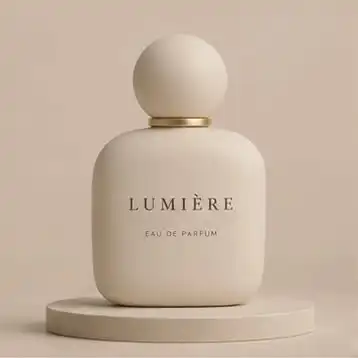
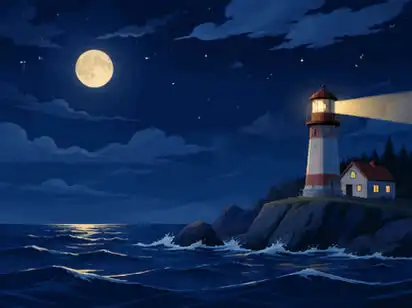
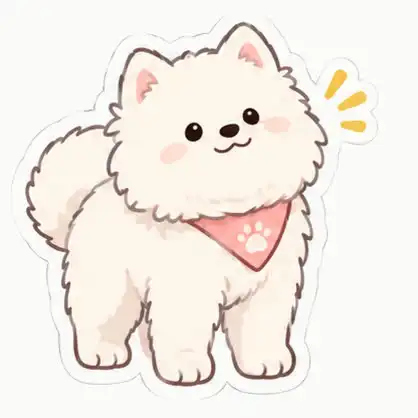


How to make a GIF in ChatGPT
ChatGPT can make GIFs since OpenAI shipped Images 2.6 on 4 November 2026. Before that you had to generate frames and stitch them yourself. Now one message is enough:
- Open a new chat and say make a looping GIF. Without the word GIF you get a still image.
- Describe what stays still and what moves. One small movement (steam, a blink, wind) beats a whole scene in motion.
- Name the shape (1:1, 3:4 or 16:9) and ask for the first and last frame to match.
- Download the GIF, or ask for it faster, slower, or with one frame changed.
The builder above writes exactly this structure, so the prompt it gives you is the one we used for the examples on this page.
Text to GIF prompts that loop cleanly
A good text-to-GIF prompt has five parts: format and shape, subject, the single motion, the style, and the loop rule. For example:
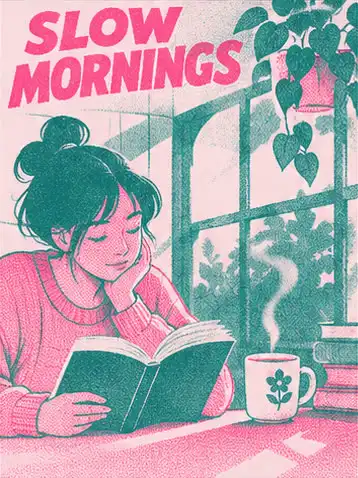
Make a looping GIF, 3:4: a person reading by a sunlit window while coffee steam curls upward, two-colour risograph in pink and teal. Only the steam and one page turn move. First and last frame match.
Saying what must not move matters as much as what moves. It keeps the camera fixed and the character identical in every frame, which is what makes AI GIFs look intentional rather than wobbly.
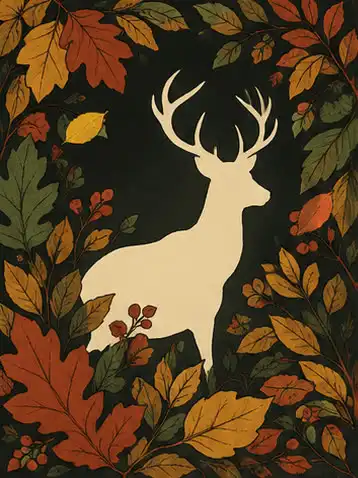
Turn a photo into a GIF
Switch the builder to My photo, upload your picture in ChatGPT and paste the prompt. ChatGPT keeps the face, product or pet recognisable and animates only the motion you name: a product turning on a turntable, hair moving in the wind, a dance step. Product shots and portraits work best; group photos tend to drift.
Animated sticker GIFs
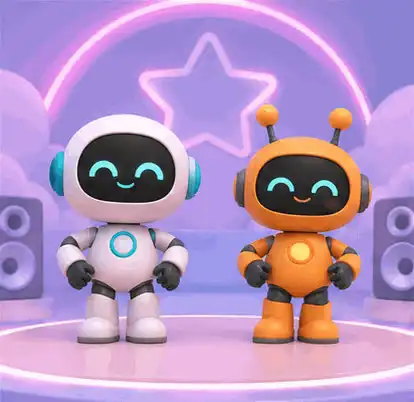
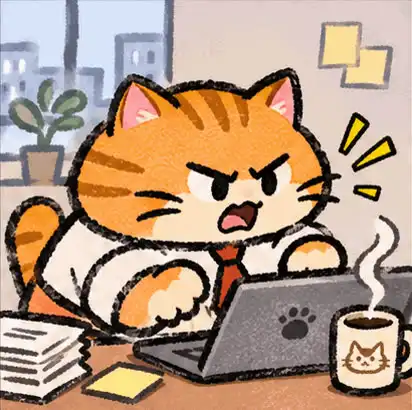
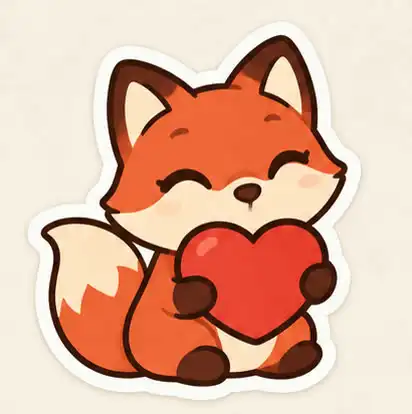
Stickers are the strongest use of AI GIFs: one character, one emotion, a white die-cut border, readable at 160 px. Ask for one gesture (a heartbeat, typing, waving) and a short caption if you want a meme-style sticker for WhatsApp, Telegram or WeChat.
Pixel art GIFs
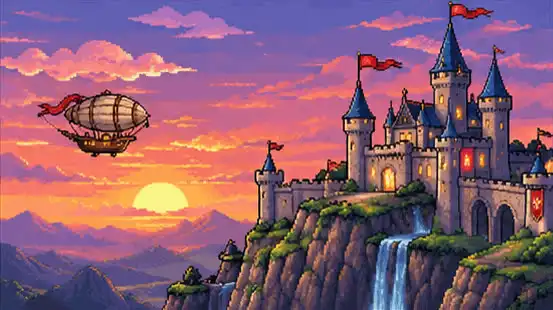
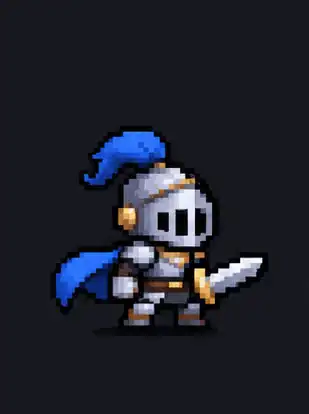
Pixel art suits ChatGPT's short frame count: a 9 to 12 frame loop reads naturally as a game sprite. Ask for a side view, a limited palette and a plain background so the sprite can be cut out, and name the action (idle, walk, attack).
GPT Image 2.6 vs Nano Banana vs Midjourney for GIFs
| GIF output | How you get a loop | |
|---|---|---|
| GPT Image 2.6 (ChatGPT) | Native GIF | One prompt or photo; edit speed and single frames afterwards |
| Nano Banana (Gemini image) | Still images | Generate a frame sequence and assemble it into a GIF with a script or editor |
| Midjourney | Images and short video clips | Animate an image into a video, then convert the clip to GIF |
| GPT Image 2 / 2.5 | Still images | Same as Nano Banana; switch to Images 2.6 for native GIFs |
For short, small loops (stickers, sprites, ambient scenes) a native GIF is faster and stays consistent between frames. For longer or camera-moving shots a video model followed by GIF conversion still gives smoother motion.
Questions
Can ChatGPT make GIFs?
Yes. Since Images 2.6 (November 2026) ChatGPT returns animated GIFs directly from a text prompt or an uploaded photo, and you can change the speed or edit single frames afterwards.
Can free ChatGPT make GIFs?
OpenAI is rolling GIF output out gradually, including to free accounts. If you get a still image back, ask again for "an animated GIF"; if it is still a still, GIF output has not reached your account yet.
How many frames does a ChatGPT GIF have?
Across the 14 GIFs on this page ChatGPT returned 9 to 12 frames at 110 to 180 ms each, 308 to 553 px on the long side. The most common result was 9 frames at 180 ms, a 1.6-second loop.
Why does my AI GIF look choppy?
Nine frames at 180 ms is about 5.5 frames per second. Keep the motion small (steam, a blink, leaves), ask for 12 frames at about 120 ms, and ask for the first and last frame to match.
Can ChatGPT edit a GIF I upload?
Not as a GIF: upload a still frame or image instead and ask ChatGPT to animate it.
Can I use these GIFs commercially?
Every example here is our own recreation, generated by us. Prompts are free to copy; check OpenAI's terms for what you make with them.